1. Introduction
Mailbox migrations have always been considered one of the most demanding tasks for IT administrators. Moving terabytes of critical data while ensuring zero downtime and uninterrupted access for users requires a blend of precision and the right tools.
Both Exchange Server and Office 365 migrations bring their own challenges. With Exchange, admins face compatibility concerns across versions and the complexity of public folders. With Office 365, tenant-to-tenant moves, throttling policies, and mailbox limits often create hurdles.
This is where EdbMails stands out. It provides a unified platform that eliminates complexities and makes both Exchange and Office 365 migrations seamless, secure, and efficient.
2. Why Businesses Need Smooth Migrations
Organizations are increasingly adopting cloud-first strategies while modernizing their infrastructure. Migration is no longer a “nice-to-have” project but a necessity to ensure scalability, compliance, and productivity.
Some of the most common scenarios include:
- Moving from on-premises Exchange to Office 365.
- Upgrading from older Exchange versions like 2007, 2009, 2010, or 2013 to 2016/2019.
- Performing Office 365 tenant-to-tenant migrations during mergers or acquisitions.
- Switching from Office 365 back to on-prem Exchange in hybrid environments.
The challenges, however, are significant. Manual methods often lead to extended downtime, loss of mailbox hierarchy, and security risks. Businesses cannot afford such disruptions as email remains the backbone of communication. A robust, automated migration solution like EdbMails ensures that the transition happens without user impact or data loss.
3. EdbMails As A Unified Migration Tool
EdbMails is not just another migration utility; it is an enterprise-grade solution trusted by IT administrators globally. It unifies both Exchange and Office 365 migration under one platform, reducing the need for multiple tools.
What makes it exceptional?
- Security-first design: Supports modern authentication and OAuth 2.0, ensuring compliance with Microsoft’s latest security standards.
- Automation-driven: Automatic mailbox mapping, incremental migration, and throttling management make the process efficient.
- Wide compatibility: Works across all Exchange versions (2007–2019) and supports migrations within or across Office 365 tenants.
- Ease of use: A graphical interface that requires minimal technical expertise but offers enterprise-grade reliability.
By combining these features, EdbMails ensures that admins spend less time troubleshooting and more time executing.
4. Step-By-Step Migration Process With EdbMails
EdbMails simplifies complex Exchange and Office 365 migrations into clear, guided steps, ensuring secure, reliable, and zero-downtime transfers.
1. Exchange Migration
Migrating from Exchange manually can be time-consuming and prone to errors. EdbMails streamlines this process into a few straightforward steps, making it accessible even for admins with minimal scripting experience.
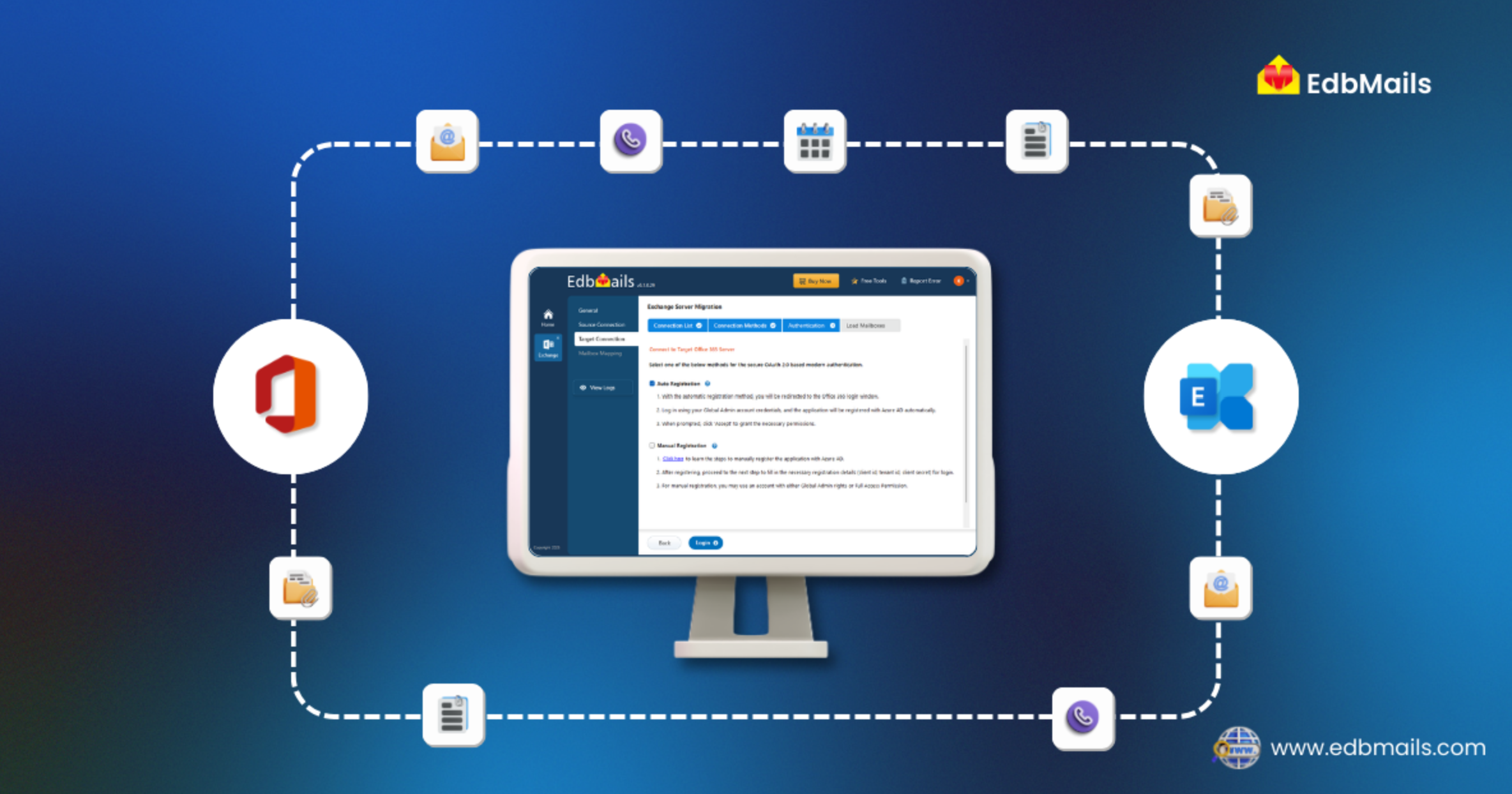
First, download and install the EdbMails Exchange migration software. Once installed, securely connect to the source Exchange server using EdbMails’ modern authentication methods. Admins can then select the mailboxes intended for migration. The software allows precise mailbox selection, including primary mailboxes, archives, and public folders.
Next, connect to the target Exchange server and map the source mailboxes to the corresponding target accounts. EdbMails automates this mapping, ensuring alignment and eliminating manual errors. After confirming all configurations, start the Live Exchange to Live Exchange migration. The software preserves folder hierarchy, metadata, and permissions throughout the process while providing real-time progress tracking.
This approach ensures a smooth, secure migration with zero downtime and minimal administrative effort.
2. Office 365 Migration
Office 365 migrations can present unique challenges such as throttling limits, tenant-to-tenant restrictions, and coexistence requirements. EdbMails addresses these challenges with automation and smart management.
Begin by downloading and installing the EdbMails Office 365 migration application. Select the Office 365 to Office 365 migration option to proceed. Connect securely to the source Office 365 server using modern login protocols. Once connected, repeat the process for the target Office 365 server.
Map the source mailboxes to their corresponding target mailboxes. EdbMails automatically aligns user accounts and supports various mailbox types, including primary mailboxes, shared mailboxes, archive mailboxes, and public folders. After mapping, start the Office 365 to Office 365 migration operation. The software intelligently handles throttling to prevent interruptions and ensures continuous compliance.
Once the migration completes, EdbMails generates detailed post-migration reports, providing admins with full visibility into the transferred data and confirming the success of the operation. This eliminates guesswork and guarantees a seamless transition between tenants.
👉 A comprehensive guide for Office 365 migration
5. Features That Simplify The Process
EdbMails is designed to make complex migrations straightforward and efficient. Its feature-rich interface reduces the burden on IT teams while ensuring secure and accurate data transfer across different platforms.
- Automatic mailbox mapping: This feature eliminates manual errors by automatically matching mailboxes between the source and target environments. It ensures that every mailbox, including primary, archive, and shared mailboxes, is mapped accurately, saving hours of administrative effort.
- Incremental migration: EdbMails allows migrations to resume from the point of interruption without duplicating items. This means large-scale migrations can be paused and resumed safely, ensuring business continuity without affecting ongoing operations.
- Advanced filters: Admins can perform selective migration based on date ranges, specific folders, or particular message criteria. This ensures only relevant data is migrated, optimizing bandwidth and storage usage while reducing migration time.
- Detailed reports: After every migration, EdbMails generates comprehensive logs and reports for each mailbox. These reports provide complete visibility, enabling admins to audit the process, verify results, and maintain compliance with organizational policies.
- Multiple migration scenarios: EdbMails supports a wide array of migration scenarios, including Office 365 ↔ Exchange, PST ↔ Office 365, and PST ↔ Exchange migrations. This flexibility allows IT teams to handle diverse organizational needs, whether migrating a few mailboxes or executing a tenant-to-tenant migration.
- Seamless Public folder and archive migration: Beyond standard mailboxes, EdbMails also handles public folders and archive mailboxes effortlessly. This ensures that no critical organizational data is left behind during the migration.
- Throttling and auto-management: EdbMails intelligently manages throttling limits imposed by Microsoft Exchange and Office 365. This prevents service interruptions and ensures uninterrupted migration even in environments with strict usage restrictions.
- User-friendly interface: The intuitive GUI makes it easy for admins with minimal technical expertise to configure, monitor, and execute migrations. Complex tasks are simplified, enabling teams to focus on business-critical operations rather than troubleshooting migration issues.
These features collectively make EdbMails a reliable and adaptable solution, capable of handling migrations of any scale while ensuring zero downtime, data integrity, and smooth business operations.
6. Benefits Of Using EdbMails
- Zero downtime: Users continue working seamlessly while migration happens in the background.
- No data loss: Ensures complete integrity of emails, contacts, calendars, attachments, and metadata.
- Security and Compliance: Uses secure authentication and encrypted data transfer while meeting regulatory standards.
- Time and Cost savings: Reduces project timelines compared to manual or script-based migrations.
- Ease of administration: Intuitive interface allows even junior admins to manage complex migrations effortlessly.
- One-time license and free updates: Cost-effective licensing with lifetime updates and 24/7 support.
- Flexible migration options: Supports Exchange ↔ Office 365, tenant-to-tenant, and PST-based migrations.
- Reduced risk of errors: Automated mailbox mapping and incremental migration prevent duplication and data corruption.
- Scalability: Handles both small-scale and enterprise-level migrations efficiently without compromising performance.
- Enhanced collaboration post-migration: Preserves mailbox structures and permissions for immediate team collaboration.
7. Conclusion
Exchange and Office 365 migrations are no longer optional for organizations aiming to stay competitive and secure. However, relying on manual processes or limited tools can introduce risks that businesses cannot afford.
EdbMails delivers a unified, step-by-step migration experience that simplifies even the most complex projects. Its robust features, security compliance, and automation-driven design ensure a smooth journey, whether you are moving from Exchange to Office 365, between tenants, or upgrading to a newer Exchange version.
If you are preparing for your next migration project, explore the EdbMails free demo and see firsthand how it transforms a complex process into a simple, seamless experience.