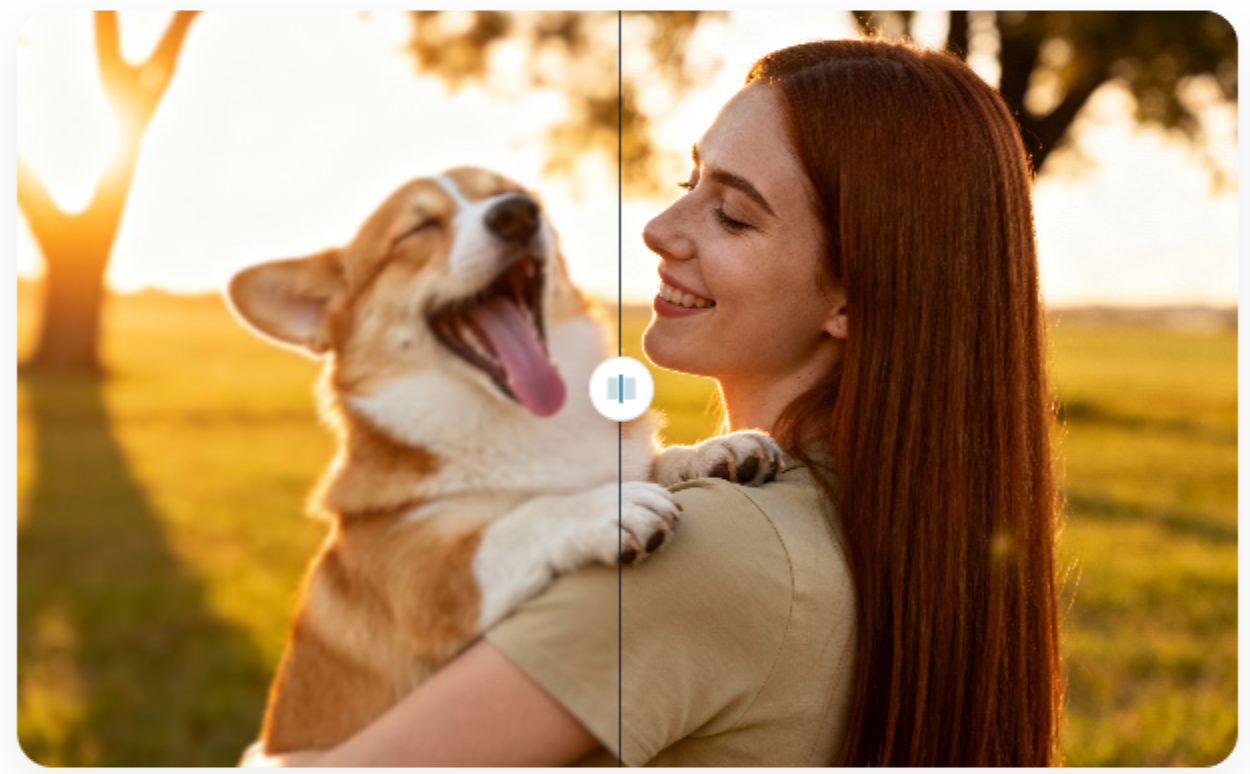
Finding the perfect image for a project is often harder than it looks. You might spend hours searching for a specific visual only to find a version that is too small or blurry. Many creators face this issue when they try to use older photos or low-resolution assets for their websites. If you find a photo that fits your vision but lacks clarity, an AI image upscaler can save your project by adding pixels and sharpening details. This tool uses smart technology to guess what missing parts of an image should look like, so you can use it on large screens.
Sometimes you have permission to use an image, but the original file has a small logo or text overlay that ruins the composition. You can remove a watermark from an image online for free to clean up the visual space and make the photo ready for your layout. This helps you maintain a clean look across all your social media posts or website banners. When you combine these two tools, you gain a lot of control over your visual content without needing expensive software.
Real World Scenario 1: Social Media Management
Social media managers often have to work with content sent by clients through messaging apps. These apps usually compress images to save space, which makes them look pixelated when posted on a professional page. A manager might receive a great photo of a live event that is only 500 pixels wide. If they try to post this on Instagram or LinkedIn, it will look unprofessional and blurry.
By using an upscaling tool, the manager can increase the size of the photo while keeping the edges sharp. This ensures that the brand looks high-quality even if the source was not perfect. At the same time, the client might have sent a photo with a timestamp or a distracting app logo in the corner. Cleaning that up allows the manager to focus the audience’s attention on the actual subject of the photo. This workflow keeps the feed looking consistent and polished.
Real World Scenario 2: E-commerce And Product Listings
Small business owners frequently get product photos from manufacturers that are not ready for a storefront. These images are often small and might have the manufacturer’s name stamped across the middle. A creator working for an e-commerce brand needs to make these photos look like they were taken in a professional studio. They cannot put a tiny, watermarked image on a product page because it lowers trust with customers.
The creator first uses a tool to clear the manufacturer’s marks so the product stands out. After that, they run the image through an upscaler to make it large enough for a zoom feature. Customers want to see the texture of the fabric or the small details of a gadget before they buy it. High-resolution images lead to more sales and fewer returns because the customer knows exactly what they are getting. It is a simple way to turn basic supplier files into high-performing marketing assets.
Real World Scenario 3 Digital Art And Portfolio Building
Artists and designers often want to showcase their older work in a modern portfolio. A designer might have a project from five years ago that was saved at a low resolution. On a modern 4K monitor, that old project will look tiny and dated. To show their growth, the artist needs to present their work in the best possible light. They can use AI to breathe new life into these old files by increasing the resolution without losing the original style.
In some cases, an artist might have lost the source file and only has a version with a draft watermark on it. Instead of recreating the entire piece from scratch, they can clean the draft marks and then upscale the final result. This allows them to keep their history visible to potential employers or clients. It also saves them dozens of hours of work that would have been spent redrawing old concepts.
Benefits For Social Media Managers
The biggest benefit for social media managers is speed. You do not have to wait for a client to resend a high-quality file that they might not even have. You can take what you are given and fix it in a few minutes. This keeps your content schedule on track and reduces the back-and-forth emails that slow down a project.
Another benefit is the ability to use user-generated content. Fans often take great photos of products, but they do not use professional cameras. Being able to fix these photos means you can show real people using your products without lowering your brand standards. It makes your marketing feel more authentic and relatable to your followers.
Benefits For E-commerce Owners
For shop owners, the main benefit is a higher conversion rate. People are more likely to buy something if the pictures look clear and professional. By removing distracting logos and increasing image size, you create a premium shopping experience. This helps you compete with larger retailers who have big budgets for photography.
It also saves a lot of money on professional shoots. While you should still invest in good photography, you can supplement your gallery with improved manufacturer photos. This allows you to list products faster and test new items in your store without a huge upfront investment. You can see which products are popular before spending money on a full photo session.
Benefits For Portfolio Designers
Designers benefit from the preservation of their creative history. You do not have to leave out old projects just because the files are small. Using AI tools allows you to scale your work to fit any screen size. This is especially important as more people view portfolios on high-resolution tablets and laptops.
It also gives you more flexibility with your layouts. If you have a small image, you are usually stuck putting it in a small box on your site. Once you upscale it, you can use it as a full-width background or a large hero image. This gives you more creative freedom to design a website that truly represents your skills.
Practical Workflow For Image Enhancement
To get the best results, you should follow a specific order when editing your images. Start by identifying the problems with your source file. If the image has both a watermark and low resolution, you need to decide which tool to use first. Usually, it is better to clean the image before you make it larger.
First, upload your image to a tool that clears unwanted marks. This ensures the AI is not trying to upscale the watermark itself. If you upscale first, the watermark might become more embedded in the pixels, making it harder to remove later. Once the image is clean, download it and move to the next step.
Second, take your cleaned image and put it through an upscaler. Choose the level of magnification you need, such as 2x or 4x. The AI will analyze the clean pixels and create new ones to fill in the gaps. This results in a large, crisp image that looks like it was originally shot at a high resolution.
Third, do a final check of the image. Look for any small artifacts that the AI might have missed. Sometimes you might need to do a quick crop to perfect the composition. After these steps, your image is ready for use on any platform.
Comparison Of Image Improvement Methods
| Tool Type | Main Use | Primary Benefit |
| Upscaler | Resolution Boost | Makes small photos large and clear |
| Remover | Object Cleaning | Clears logos and text from images |
| AI Processing | Automation | Saves hours of manual editing work |
| Manual Edit | Custom Fixes | Gives total control over specific pixels |
Conclusion
Using an AI image upscaler and a tool to remove a watermark from an image online for free is a smart move for any creator. These tools allow you to take control of your visual assets and improve them without needing a degree in graphic design. You can save time, reduce costs, and make sure your work always looks professional. Whether you are managing a brand, running a store, or building a portfolio, these tools provide the flexibility you need to succeed. By following a simple workflow, you can turn any low-quality file into a high-resolution masterpiece that is ready for the world to see. Focus on the quality of your visuals, and you will see a big difference in how your audience views your work.